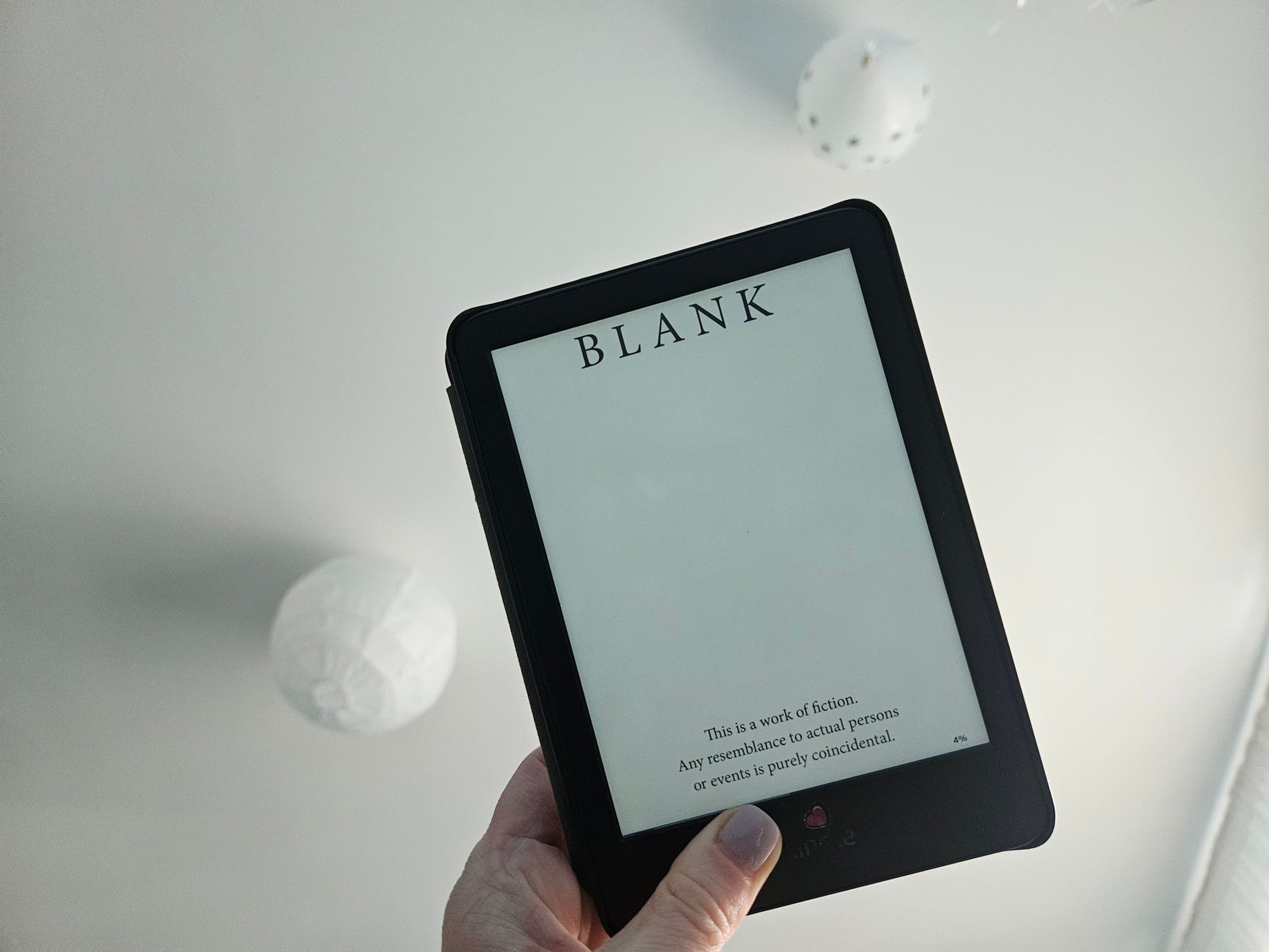
Most travel gear is dead weight. An e-reader earns its space. It replaces a dozen paperbacks and weighs less than one. I’ve hauled Kindles, Kobos, and a few oddball devices across four continents. Some survived. Some got left in hotel drawers. The gap between a great travel e-reader and a frustrating one comes down to a handful of specs most reviewers gloss over. best-picks-tested/”>Minimalist Phone Setup. Laptops Creators 2026.
Here’s why it matters. A paperback weighs 300 grams and gives you one book. An e-reader weighs less and holds thousands. On a two-week trip, that’s the difference between a stuffed daypack and room to spare. Battery life measured in weeks, not hours, means one less charger to pack.
Top 5 Picks
1. Kindle Paperwhite (12th Gen) — The default answer, and it’s earned.

Verdict: If you want zero drama, buy this. The 7-inch display is sharp. The front light adjusts warm-to-cool. It’s IPX8 waterproof. I read through a rainstorm in Scotland without a case. Battery lasts roughly ten weeks at 30 minutes a day.
- Pros: waterproof, USB-C, 16GB base storage, warm light, huge library
- Cons: locks you into Amazon’s ecosystem, no physical page buttons, ads unless you pay extra
2. Kobo Libra Colour — For the reader who wants buttons and color.
Verdict: Physical page-turn buttons change how you hold a device one-handed on a packed train. The color screen handles comics and magazines without looking washed out. Overdrive integration means free library books load directly.
- Pros: page buttons, color E Ink, library integration, no ads ever
- Cons: color layer dims the black-and-white contrast slightly, price runs higher than Kindle equivalents
3. Boox Palma 2 — The phone-sized wildcard.
Verdict: This is the one I grab when I want to read in a taxi line or a cramped airplane seat. It looks like a phone. It fits in a jacket pocket. It runs Android, so you install Kindle, Kobo, and Libby all at once. No ecosystem lock-in.
- Pros: pocketable, full Android app support, expandable storage, no single-store dependency
- Cons: not waterproof, battery drains faster than dedicated readers, you’ll need to manage apps yourself
4. Kindle Scribe — The one for note-takers.
Verdict: A 10.2-inch screen with a stylus. If you annotate PDFs, mark up travel guides, or journal on the road, this replaces a tablet and a notebook. For pure novel reading, it’s too big.
- Pros: large screen, handwriting support, PDF annotation, front light
- Cons: heavy for one-handed reading, expensive, stylus costs extra
5. PocketBook Verse Pro — The battery champion.
Verdict: I charged this once before a three-week trip and never touched the cable again. It supports more file formats out of the box than any competitor—EPUB, MOBI, PDF, FB2—so you’re not converting files before every trip.
- Pros: exceptional battery life, wide format support, physical buttons, affordable
- Cons: smaller brand ecosystem, store selection weaker than Amazon or Kobo, build feels plasticky

Buying Guide
Screen size is the first real decision. Six to seven inches is the travel sweet spot. Anything larger starts competing with your tablet for bag space. Anything smaller and you’re turning pages every few seconds.
Front lighting matters more than resolution. You’ll read in dim airplane cabins and dark hostel rooms. A warm light option reduces eye strain on long flights. Resolution above 300 ppi is largely marketing at this point. Your eyes won’t notice the difference on a 7-inch screen.
Waterproofing is non-negotiable for beach or pool trips. IPX8 means it survives a dunk. IPX4 means it survives a splash. Check which one you’re getting. I’ve watched a reader die from a single wave at a Bali beach bar.
Storage? 8GB holds thousands of books. 16GB is plenty. 32GB is overkill unless you’re loading manga or audiobooks. Don’t pay a premium for storage you’ll never fill.
Battery life varies wildly. Dedicated readers with E Ink displays last weeks. Android-based devices like the Boox Palma last days. Match this to your charging habits. If you’re the type who forgets cables, stick with a dedicated reader.
Ecosystem lock-in is the hidden cost. Amazon makes it easy to buy books but hard to leave. Kobo plays nicer with public libraries. Boox lets you use everything but requires more setup. Decide what you value before you buy.
Physical buttons are underrated. Touchscreens work fine until your fingers are cold, wet, or sandy. Buttons solve that. If you read outdoors often, prioritize them.
What to Avoid
Skip color E Ink if you only read text. The color layer adds cost and slightly reduces contrast. It’s worth it for comics, not for novels. That’s a counter-intuitive take given how hard companies push color right now, but it’s true.
Don’t buy a tablet and call it an e-reader. LCD screens cause eye fatigue on long reading sessions. Backlit tablets also drain battery in hours, not weeks. An iPad is a great travel device. It’s a mediocre e-reader.
Avoid “unlimited reading” subscriptions unless you actually read multiple books a month. Most travelers don’t. Buy the books you want or use your library card.
Ignore claims about “AI-powered reading assistants” and similar features. They’re gimmicks that add cost and complexity. You want a screen, a light, and a battery. Everything else is noise.
Don’t overlook refurbished units. Amazon and Kobo both sell certified refurbished readers at 20-30% off with full warranties. The device is identical. The savings are real.
Overlooked Category
Most buyers miss the used or previous-generation market entirely. A Kindle Paperwhite from two generations ago does 90% of what the newest model does for a third of the price. The screen is slightly dimmer. The processor is slightly slower. You will not notice either while reading on a train through Portugal.
Refurbished Kobos and PocketBooks are even better deals because they don’t hold resale value the way Kindles do. I bought a refurbished Kobo Clara for $70 three years ago. It still works. It’s been to eleven countries.
This category gets ignored because reviewers chase new releases and affiliate revenue. The best travel e-reader for most people is often last year’s model at half price. Buy it, put the savings toward the trip.
What’s your actual reading habit? If you read one book per trip, a used $60 Kindle beats a new $200 flagship every time.
Verdict
Buy the Kindle Paperwhite if you want the safest choice with the least friction. Buy the Kobo Libra Colour if you want buttons, library access, and no ads. Buy the Boox Palma 2 if you refuse to be locked into one store and want something that fits in your pocket. Buy the PocketBook Verse Pro if battery life and file format freedom matter most.
Whatever you choose, buy refurbished or last-gen unless you have a specific reason to pay full price. The reading experience barely changes. The price does.
One device, thousands of books, weeks of battery. That’s the whole pitch. Everything else is details you can safely ignore.