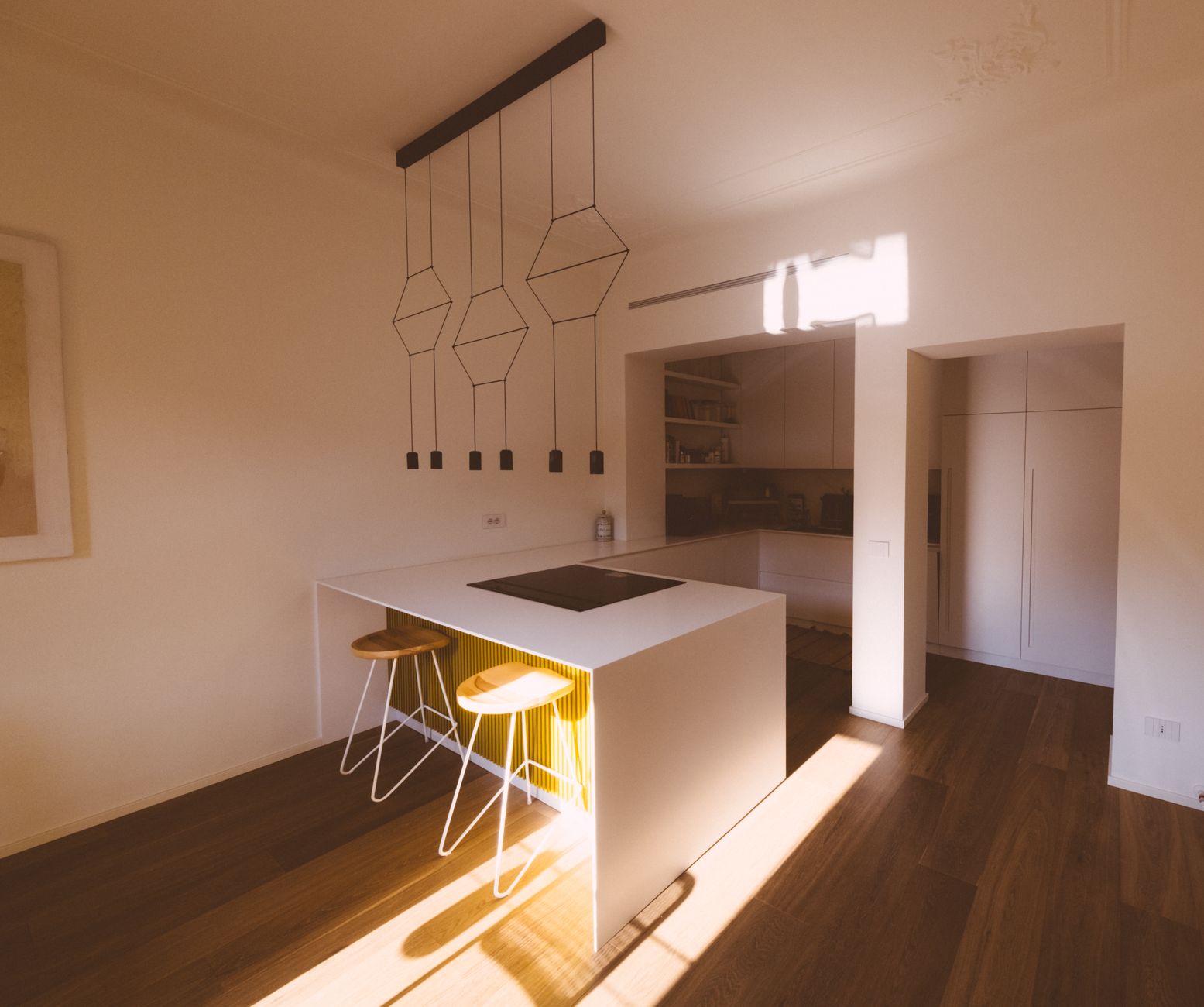
Fluorescent tubes hum. That’s the first thing you notice when you start working from a real desk instead of a kitchen counter. The second is the headache creeping in around 2 p.m. — the one you blame on caffeine but is really your eyes fighting a flickering ceiling panel. I learned this the expensive way: three lamps, two returns, one very patient electrician. Lighting is the most underrated purchase in a home office. You’ll spend eight hours under it, and a $40 mistake will nag you every single day. Get it right once and you stop thinking about it entirely. That’s the whole point of buying well.
Bad light is a productivity tax you pay silently. Eye strain, afternoon fatigue, video calls where you look like a witness in a crime documentary. The fix is simpler than most people think.
Top 5 Picks
1. BenQ ScreenBar Plus — Verdict: the best money you’ll spend on your desk. It clips to your monitor and throws light exactly where you need it, nowhere else. No glare on the screen, no shadow across your keyboard. The dial controls brightness and warmth without breaking your focus. Downsides: it only works on monitors, and it costs more than a lamp should. If you have a screen and a desk, buy it.

- Zero screen glare — genuinely solves the monitor reflection problem
- Adjustable color temperature from 2700K to 6500K
- Clips on in seconds, no drilling or clamping drama
- Price is steep for what looks like a light bar
2. Dyson Lightcycle Morph — Verdict: brilliant, and overpriced for most people. It tracks the time of day and shifts its color temperature to match. The build is gorgeous. Heat pipe cooling means the LEDs last decades. But you’re paying for engineering theater. Pros: superb light quality, tracks daylight, doubles as ambient and task light. Cons: the price of a decent chair, and the app is fussier than it needs to be.
3. TaoTronics LED Desk Lamp TT-DL13 — Verdict: the value pick that actually holds up. Under $50, five color modes, touch controls, a USB port for charging. It won’t win design awards, but it does 90 percent of what the expensive lamps do. Pros: cheap, reliable, USB charging. Cons: plastic body feels light, the touch panel is a fingerprint magnet.
4. Gantri Task Light — Verdict: buy it if your office is also your living room. 3D-printed shade, warm diffused light, looks like a sculpture. It’s a task lamp that doesn’t scream “cubicle.” Pros: beautiful, soft even light, made in small batches. Cons: no smart features, limited brightness range, premium price for a design object.
5. Philips Hue Go — Verdict: the flexible wildcard. A portable, battery-powered light you can move from desk to shelf to wall. Great for video calls when you need a soft fill light on your face. Pros: portable, app-controlled, huge ecosystem. Cons: battery life is mediocre at full brightness, and it’s not a serious task light on its own.
Buying Guide
Start with the spec nobody talks about: color rendering index, or CRI. Anything below 90 will make your wood desk look gray and your skin look sick on camera. Aim for 90 or higher. Next, color temperature. Cool white (5000K to 6500K) keeps you alert during focused work. Warm light (2700K to 3000K) is for evening reading and winding down. A lamp that locks you into one temperature is a compromise. Adjustability matters more than raw brightness.
Then there’s flicker. Cheap LEDs flicker at a frequency your conscious brain ignores but your eyes don’t. It’s a hidden cause of headaches. Look for flicker-free drivers and, ideally, DC dimming rather than PWM. You won’t see it on a spec sheet most of the time, so read reviews that mention eye comfort.
Position beats power. A strong lamp aimed at the wrong spot creates glare and hard shadows. Light should come from the side, ideally your non-dominant side, so your hand doesn’t cast a shadow on what you’re writing. A monitor bar solves this automatically. A desk lamp requires a little thought.
Finally, build quality. A lamp is a thing you touch every day. Metal joints outlast plastic ones. A weighted base beats a flimsy clamp. Buy once.
What to Avoid
Skip anything that advertises “smart” as its main feature. App control is nice. It is not a reason to pay double. The lamp should work perfectly with the switch on the cord, and the app should be a bonus. If the product page leads with voice commands, keep scrolling.
Avoid exposed LED strips as your primary task light. They’re harsh, they glare, and they make everything look cheap. Same goes for anything with a bare bulb aimed straight at your face. Diffusers exist for a reason.
Don’t buy a lamp with a fixed color temperature, especially a cool one. You’ll love it at 10 a.m. and resent it at 8 p.m. And don’t fall for “full spectrum” claims without a CRI number attached. It’s marketing language, not a measurement. Ask yourself: does the listing give me a real number, or a feeling?
One more trap: giant floor lamps for small rooms. They dominate the space and light the ceiling more than the desk. Match the lamp to the room, not to the catalog photo.
Overlooked Category
Most buyers never consider a monitor light bar, or they dismiss it as a gimmick. It’s the single best upgrade for a desk with a screen. It solves the two problems desk lamps create: glare on the display and shadows on the keyboard. It also saves desk space, which matters more than people admit. A bar that clips to the top of your monitor gives you even, downward light across the work surface. No base to work around, no cord snaking across the desk. The BenQ is the benchmark, but cheaper clones exist and most do the job. If you have a monitor and a keyboard, this is the category to explore before you buy another lamp.
The counter-intuitive part: you probably need less light than you think. Most people over-light their desks and then wonder why they’re tired. A focused pool of light beats a bright room. Darker surroundings make the task area feel calmer and your eyes relax more.
Verdict
If you want one answer: buy the BenQ ScreenBar Plus and stop reading. It fixes glare, saves space, and adjusts to any hour. If you don’t use a monitor, get the TaoTronics and put the savings toward a better chair. If your office doubles as a living space, the Gantri earns its price on looks alone. Skip the Dyson unless you genuinely enjoy paying for engineering. Buy less, buy better, and let the light do its quiet work.