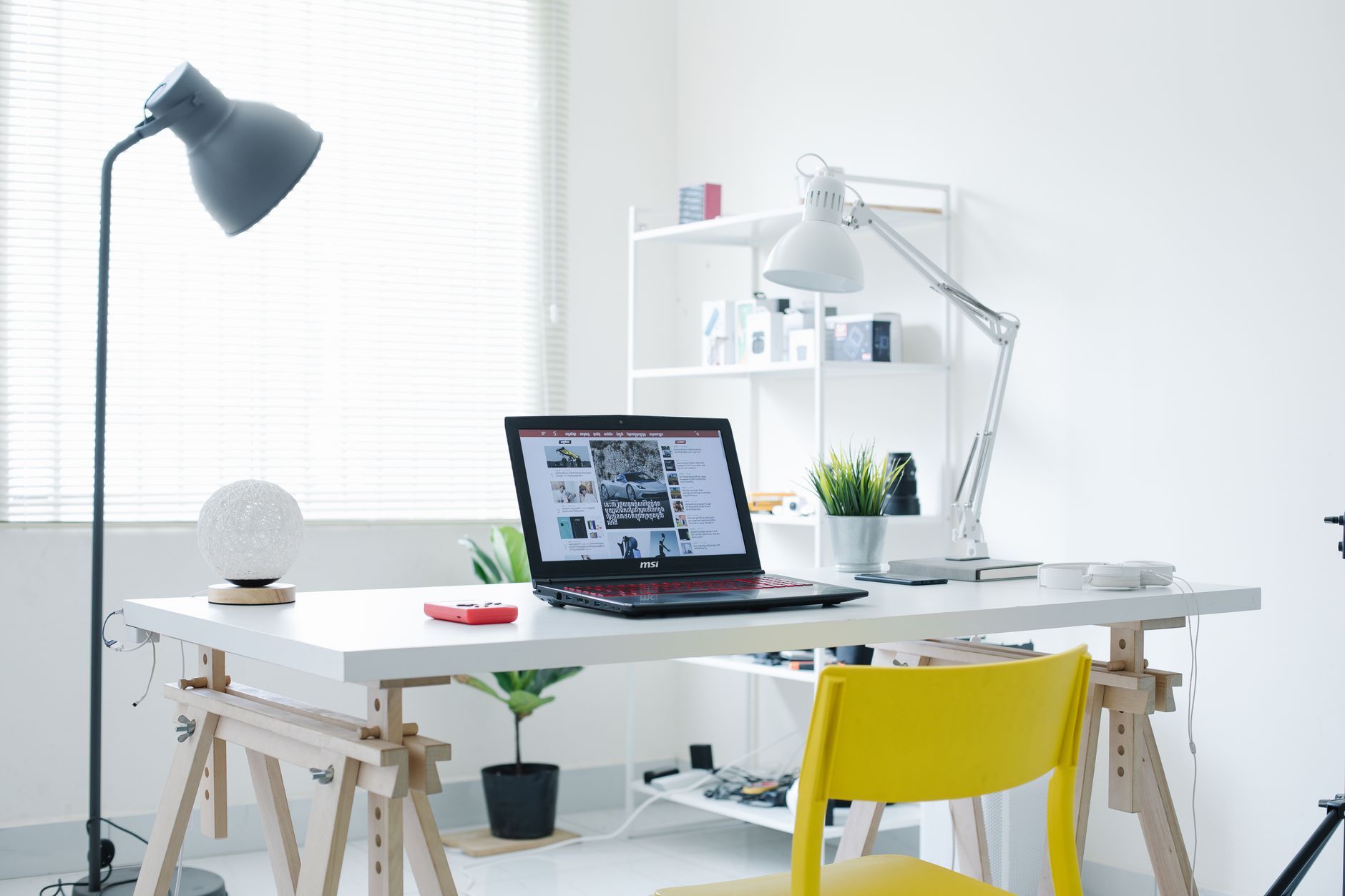
The Home Office Setup Guide: 5 Products That Earn Their Desk Space Kitchen Gadgets Worth Buying.
Why it matters: Most home offices fail because they’re built from impulse buys, not intentional choices. You end up with a cluttered desk, a sore back, and a laptop that runs hot by noon. This guide cuts through the noise. You’ll get five picks that solve real problems, plus the buying logic to avoid future regrets. Less stuff, better work.
Top 5 Picks
1. **Herman Miller Sayl Chair**
Verdict: The best balance of ergonomics and footprint for small rooms. It supports your spine without swallowing your space.
Pros: Breathable back, adjustable arms, 12-year warranty.
Cons: Pricey at ~$650, no headrest option, firm seat pan takes a week to break in.
2. **Autonomous SmartDesk Core**
Verdict: A sit-stand desk that doesn’t wobble at max height. You’ll actually use the standing mode because the motor is quiet and fast.
Pros: 53–73 inch widths, dual motors, solid steel frame.
Cons: Assembly takes 45 minutes, cable tray sold separately, shipping can be slow.
3. **BenQ ScreenBar Plus**
Verdict: Desk lamp that kills glare without casting shadows on your monitor. It clips onto your screen, freeing your entire desk surface.
Pros: Auto-dimming sensor, USB powered, no footprint.
Cons: Only fits flat-back monitors, costs $99, touch dial feels flimsy.
4. **Logitech MX Master 3S**
Verdict: The only mouse you need for years. Silent clicks and MagSpeed scrolling make long spreadsheet days tolerable.
Pros: 8,000 DPI sensor, works on glass, USB-C charging lasts 70 days.
Cons: Heavy for travel, no left-handed version, $99 retail.
5. **Uplift V2 Bamboo Desk**
Verdict: If you want wood warmth with industrial strength, this is your pick. The bamboo top resists stains and looks better with age.
Pros: 15-year warranty, 355-pound capacity, customizable grommets.
Cons: Costs over $800 with accessories, bamboo scratches if you drag metal objects, lead time is 2–3 weeks.

Buying Guide
Focus on three specs: adjustability, surface size, and cable management. Chair height range should fit your torso length, not just your leg length. Desks need a depth of at least 30 inches to keep your monitor an arm’s length away. Monitor arms are non-negotiable if you work over four hours daily — they free up 15% of your visual workspace.
Weight capacity matters more than motor count. A single motor desk works for a 15-pound setup; dual motors handle 50 pounds of gear without strain. For chairs, look for lumbar support that moves with you, not a fixed bump. Pneumatic cylinders should lift smoothly without jerking. Test the armrest width — most are too narrow for broad shoulders.
Screen brightness and color accuracy matter for designers, but for general work, look for 95% sRGB coverage and a 75Hz refresh rate. Anything above that is gaming hype. Keyboard travel should be at least 2mm for tactile feedback; less means finger fatigue. Your mouse should fit your grip style — palm grips need larger bodies, claw grips need wider buttons.
What to Avoid
Skip mesh chairs under $200. They sag in six months and offer no real lumbar support. Avoid “gaming” desks with cup holders and headphone hooks — they add bulk, not function. Don’t buy a 4K monitor if your laptop GPU can’t drive it above 30Hz; you’ll get stutter and eye strain.
Beware of standing desk claims about “anti-collision” technology. Most use basic pressure sensors that fail on thick carpets. Avoid wireless chargers built into desks — they stop working if your phone has a thick case. Also, skip any chair with a “memory foam” seat. It compresses permanently after a year, unlike high-density foam that rebounds.
Overhyped features to ignore: RGB lighting on peripherals, “AI” posture reminders, and app-controlled desks. These add cost without improving your workflow. Another trap is buying a complete “office in a box” bundle. You always overpay for low-quality accessories you’ll replace anyway. One counter-intuitive opinion: don’t buy a monitor arm if your desk has a thick back edge — many clamp mechanisms won’t fit, and you’ll waste $50 on adapters.
Overlooked Category
The one thing most buyers miss is a **footrest**. Not a cheap Amazon foam block, but an angled, adjustable platform like the **ErgoFoam Footrest**. Why? Because proper seating means your feet rest flat, not dangling. If your chair is correctly adjusted, your knees sit at 90 degrees, and your feet need support at a specific height. A footrest reduces lower back strain by 30% and improves circulation during long sits.
Most people spend hundreds on chairs and desks, then ignore the floor. A $40 footrest changes your posture more than a $200 chair upgrade. Look for one with a 15–20 degree tilt and a non-slip base. Avoid inflatable versions — they pop. Also consider a **monitor riser with a USB hub** if you’re using a laptop. It lifts the screen to eye level and gives you ports for peripherals, saving you a separate dock purchase. That’s two overlooked categories that fix real gaps.
Verdict
Your home office doesn’t need ten gadgets. It needs five solid pieces that work together. Start with the Sayl chair if you sit over six hours daily — your back is the highest-cost component. Add the SmartDesk Core if you stand at all; the Uplift V2 only if you want a premium wood surface. The BenQ ScreenBar Plus is a no-brainer for any desk with a monitor. Skip the MX Master 3S if you’re on a budget — a $25 Logitech M310 does 80% of the job. But if you want one mouse for five years, buy it. The footrest is non-negotiable. Buy it before any desk accessory. Final call: spend 60% of your budget on chair and desk, 20% on lighting, and 20% on everything else. That ratio gives you the best return on comfort and productivity. Now ask yourself — which of these solves your biggest daily pain? That’s your first purchase.